Like Spotify Wrapped for Gamers: How to View Discord Checkpoint (Complete Guide 2025)

Like Spotify Wrapped for Gamers: How to View Discord Checkpoint
If you enjoy Spotify Wrapped every year, then Discord Checkpoint might become your new favorite tradition. It’s a personalized “year in review” for gamers, showcasing your activity, top servers, most used emotes, voice chat stats, and more.
This guide will show you exactly how to view Discord Checkpoint, why it’s compared to Spotify Wrapped for gamers, and how to fix issues if it’s not showing.
What Is Discord Checkpoint?
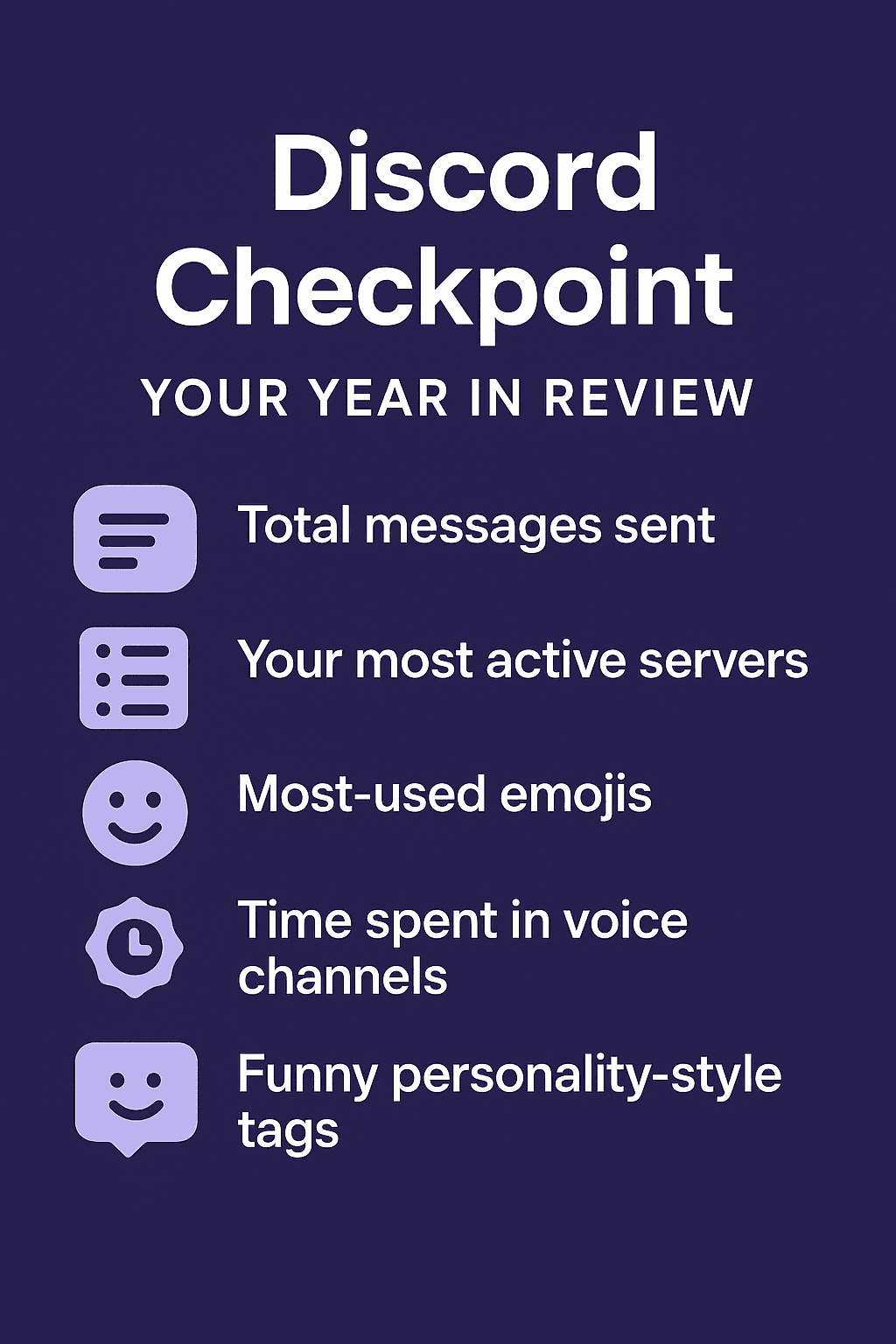
Discord Checkpoint is a yearly activity recap highlighting everything you did on Discord:
Total messages sent
Your most active servers
Most-used emojis
Time spent in voice channels
Highlights and achievements
Social interactions
Funny personality-style tags
It’s designed to feel fun and shareable—just like Spotify Wrapped.
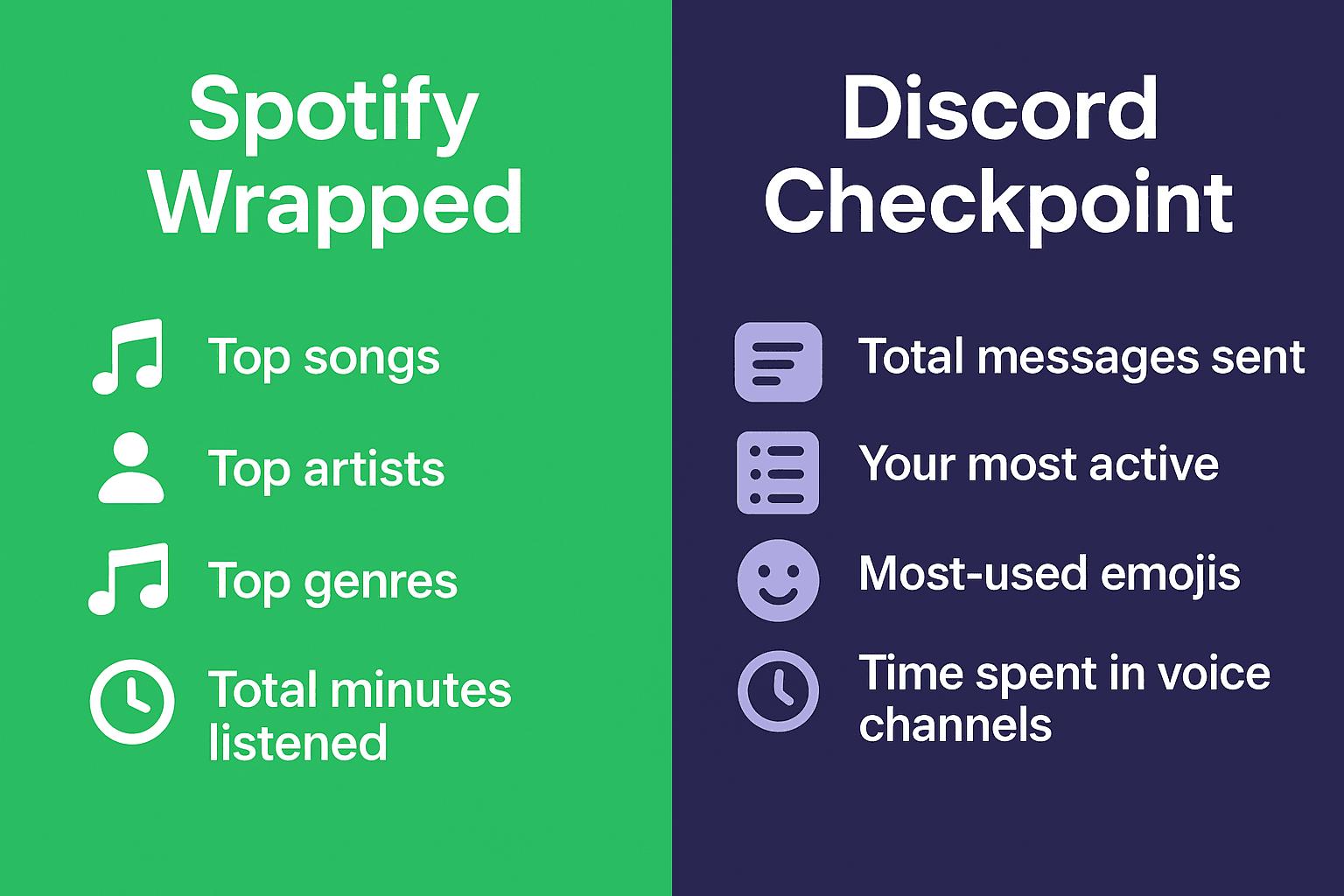
Why People Call It “Spotify Wrapped for Gamers”

Discord Checkpoint gets compared to Spotify Wrapped because both:
Are personalized
Show your yearly stats
Include fun graphics
Spotlight your habits
Encourage social sharing
For gamers, this recap feels like a digital memory book of their year on Discord.
How to View Discord Checkpoint (Step-by-Step)
Discord usually releases Checkpoint between Dec 1 – Dec 10 every year.
Follow these steps:
1. Update Discord
Old versions may hide the banner.
Update:
Windows/macOS
iOS/Android
Web app
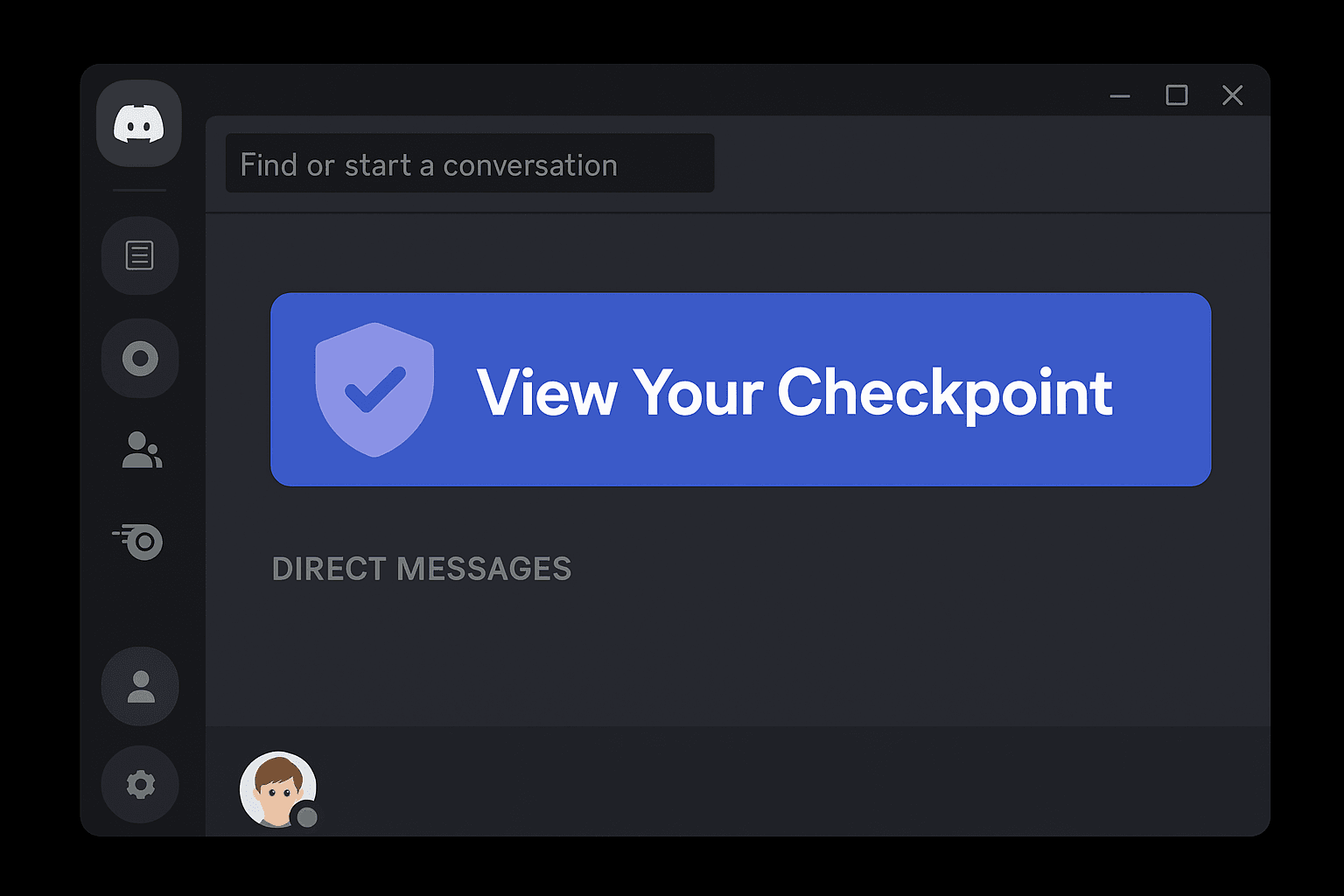
2. Look for the Home Banner
When Checkpoint is available, you’ll see a banner like:
👉 “Your Discord Checkpoint is Ready”
👉 “View Your Year in Review”
Tap it.
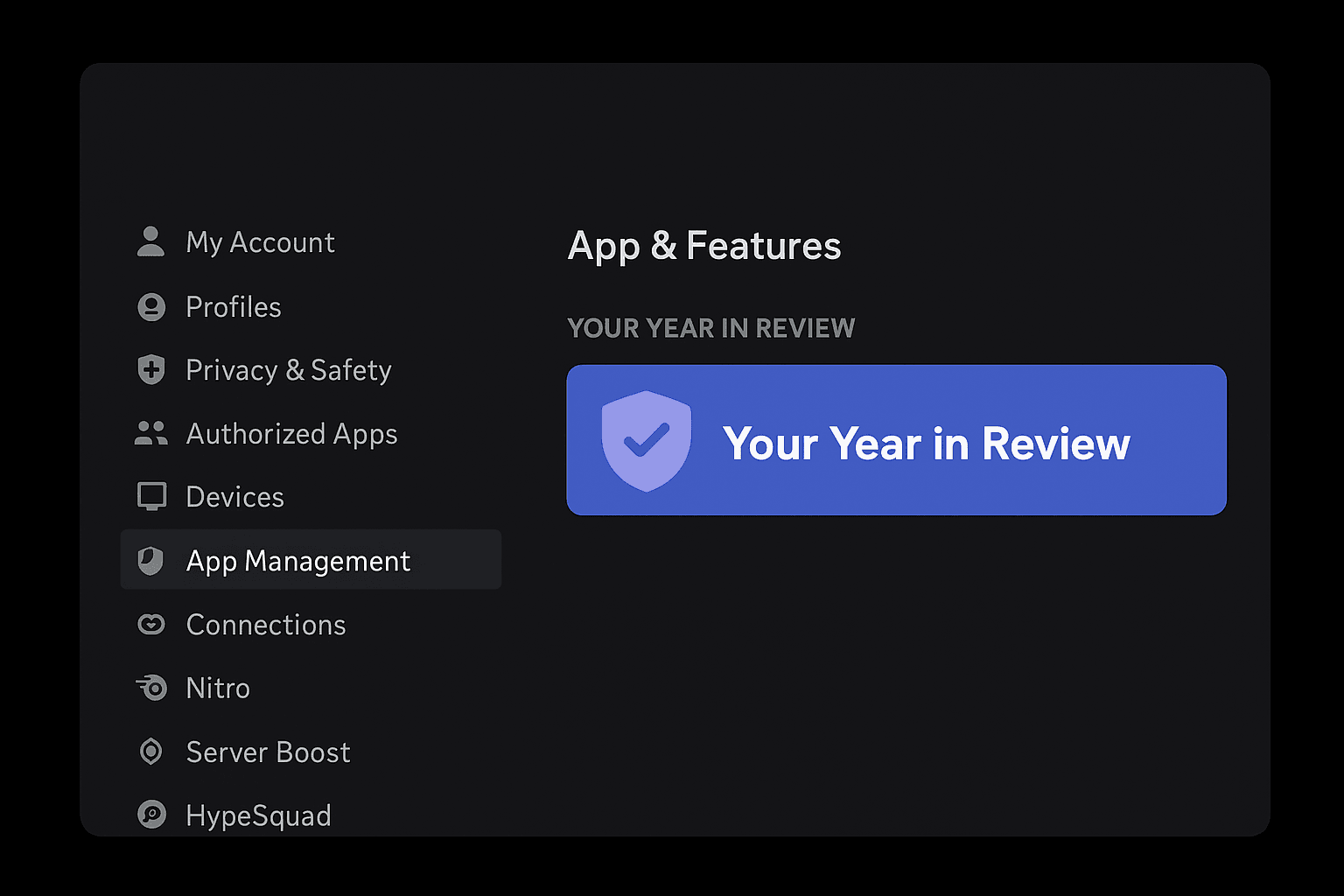
3. Manually Access It via Settings
If you missed the banner:
Open User Settings (⚙️)
Scroll to App & Features
Tap Discord Checkpoint
4. Browse Your Recap
You’ll see cards showing:
Top servers
Emote stats
Voice chat hours
Friends interacted with
Your activity timeline
It works like a slideshow—swipe to view each section.
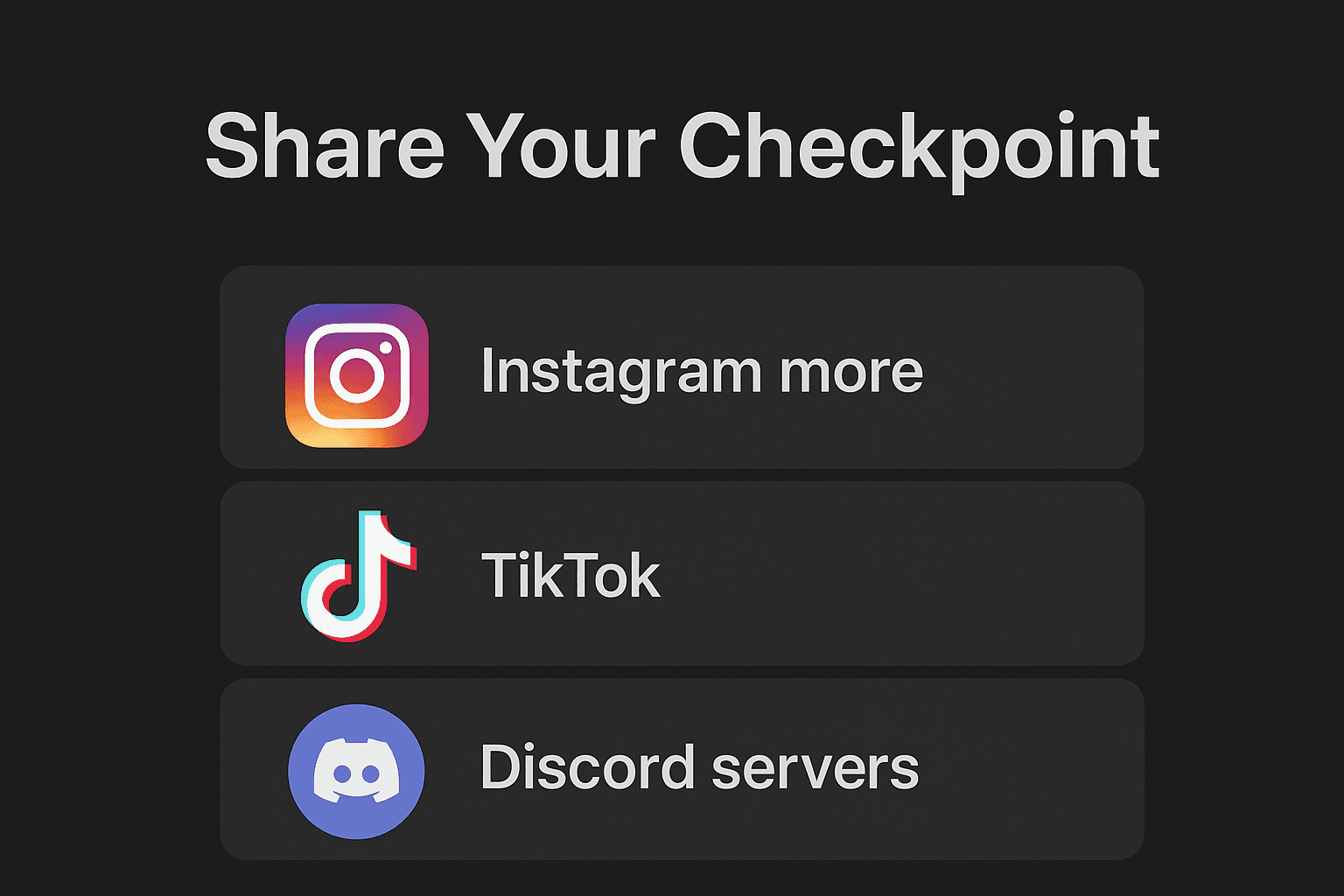
5. Share Your Checkpoint
Discord lets you share recap cards on:
Instagram
TikTok
X (Twitter)
Snapchat
Reddit
Your servers
Sharing makes it fun to compare with friends.
What If Discord Checkpoint Isn’t Showing?
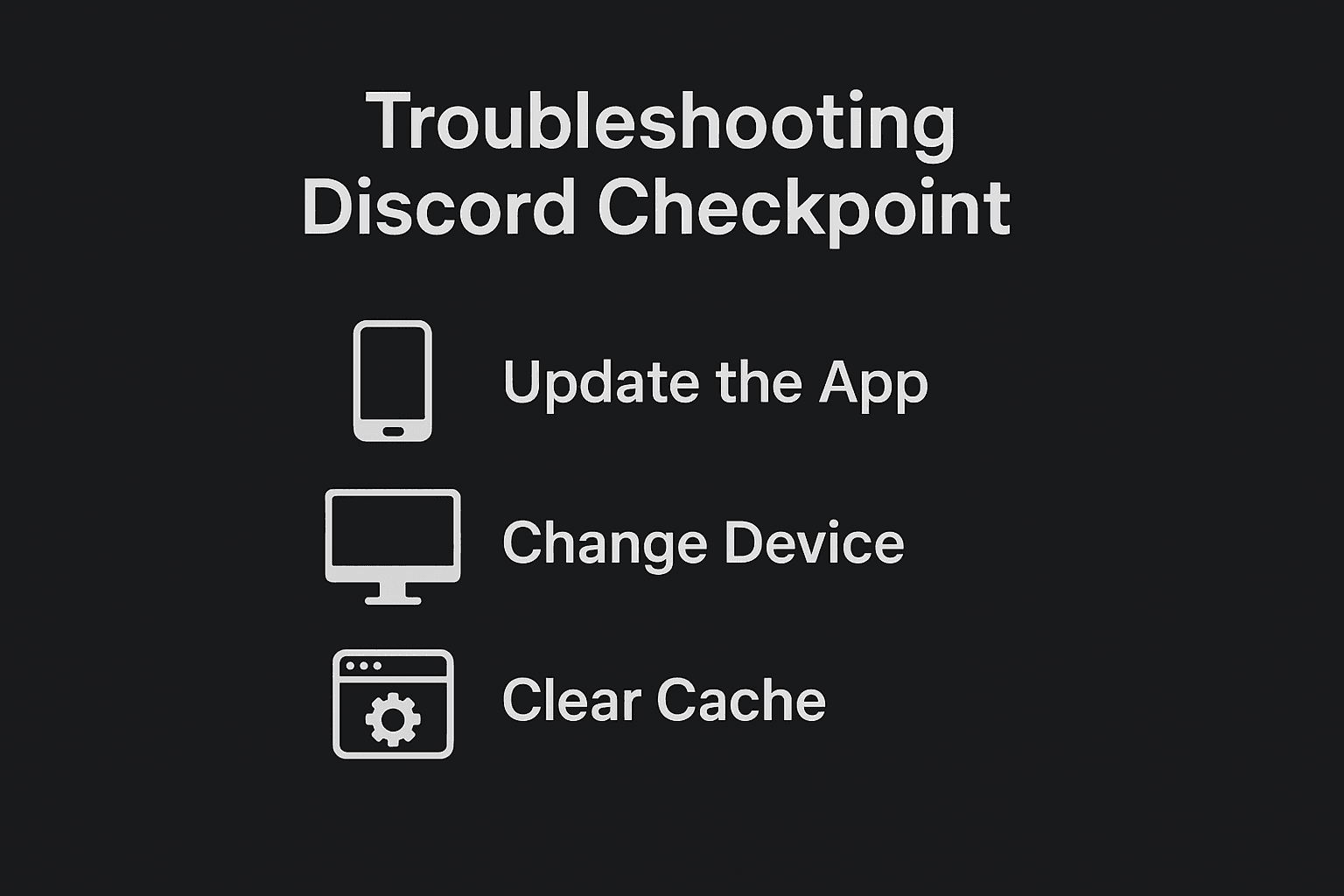
Try these fixes:
✔ Update the app
✔ Log out → Log in
✔ Switch device (mobile sometimes shows it first)
✔ Clear cache (Android)
✔ Reinstall app (iOS)
✔ Wait for rollout (US gets it early, but delays happen)
Also note:
If your Discord activity was very low, Checkpoint may not generate.
Why US Gamers Love Discord Checkpoint
In the United States, Discord is central to:
Gaming squads
Esports teams
Streaming communities
RPG groups
School & college servers
Friend groups
Checkpoint helps them:
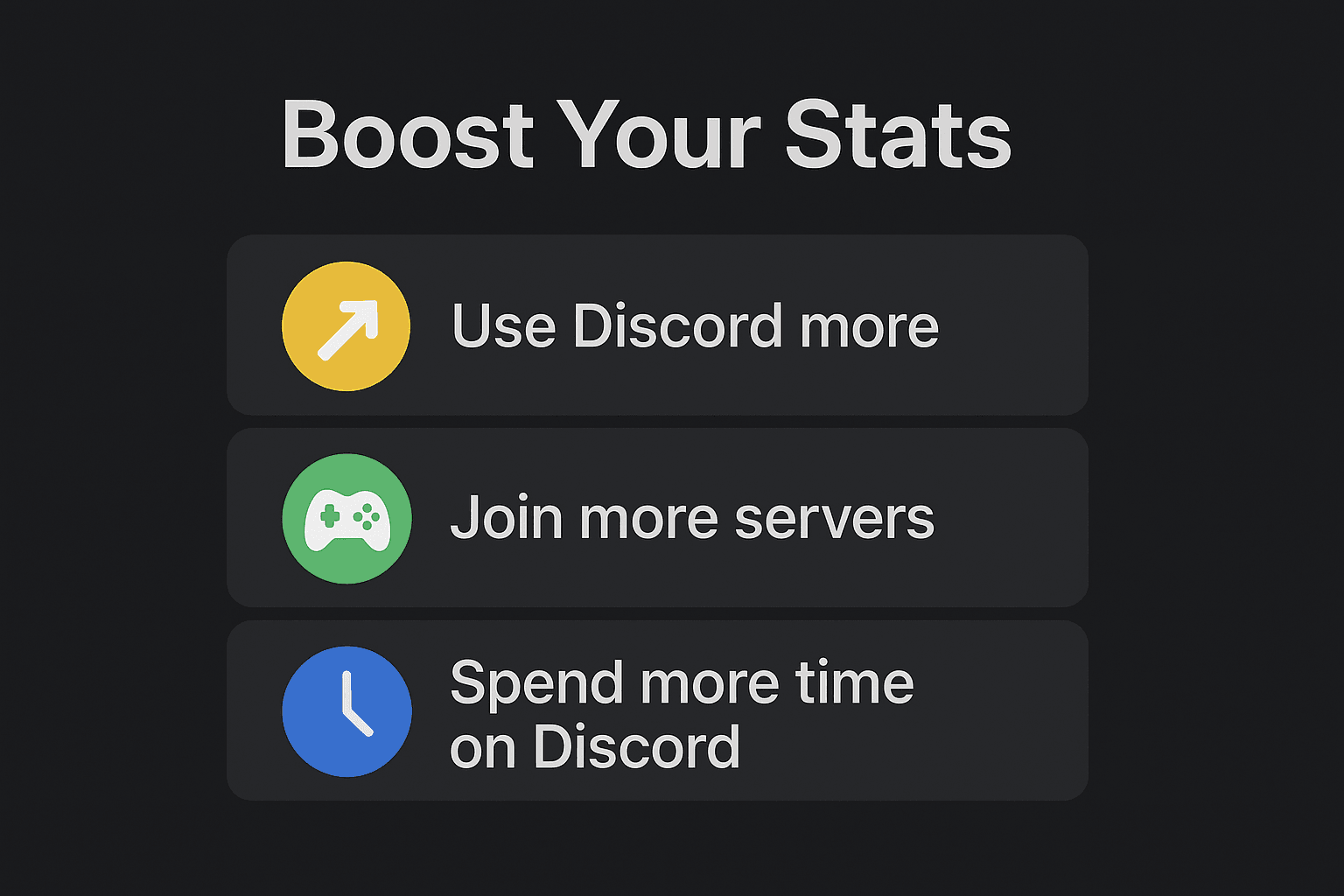
How to Improve Next Year’s Discord Checkpoint Stats
To get a richer recap next year:
Join more active servers
Chat regularly
Use emojis and stickers
Participate in voice channels
Host or join events
Connect integrations (Twitch, Steam, Spotify)
Be active in communities
More activity = better stats.
Final Thoughts
Discord Checkpoint is the perfect “Spotify Wrapped for gamers.”
It celebrates:
If you’re in the United States, you will typically get Checkpoint early during December. Just update your app, open Discord, and enjoy your personalized digital highlight reel.
Read More:- Best AI Tools for PPT- How to Make PPT Using AI: 5 Best Free Tools (Hindi)


 0
0 20
20 20
20 20
20